SceneWyse AI Video Analytics : Proudly Developed by Webskitters

 November 24, 2026
A customer places an order on an e-commerce website. Within seconds, their payment gets processed, the inventory is updated, the shipping partner receives the order details, and the customer gets a confirmation via mail.
But how does everything happen so quickly? Can employees really update all these systems manually?
Not really… and this is where API integration makes a difference.
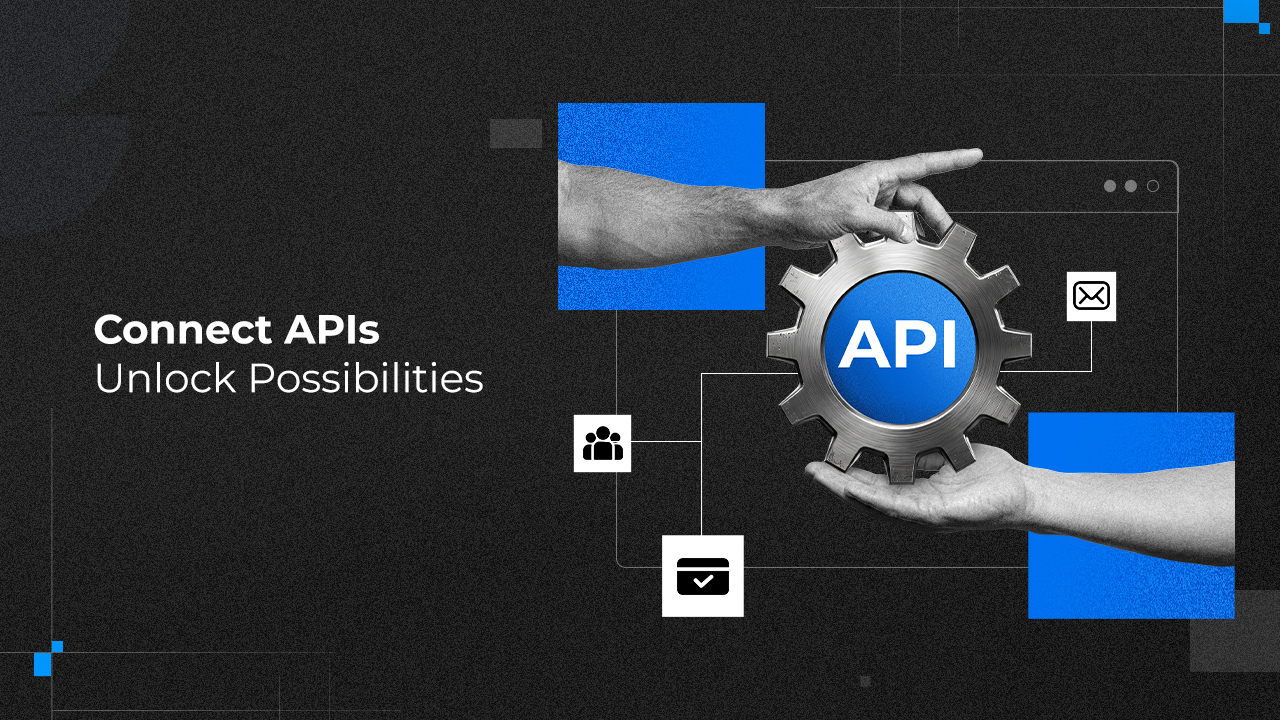
If you closely observe modern business websites, you will discover that they rely on APIs to connect external applications, exchange information, and automate everyday tasks. From processing online payments to managing customer information, businesses run every operation seamlessly and offer better site experiences, as analyzed by full-scale custom web development services.
Thus, let’s explore how API integration improves site functionality and helps make your business operate more efficiently, alongside how you should plan your progress.
Build More Functional Websites with Custom Development and API Integration
The right functionality – that supports business goals – makes a website effective, and that’s where custom web development services become invaluable. This helps businesses build websites around their specific requirements and connect the tools they already use.
With APIs, your software applications are allowed to communicate and exchange pieces of information. For example, if you run an e-commerce store, it can connect with inventory platforms, payment gateways, shipping providers, and CRM systems.
IBM’s API integration guide says that APIs serve as a stable bridge of connection between enterprise applications, systems, and workflows.
Here’s another example that justifies what’s claimed: Imagine a business that offers online appointments. So, instead of building a separate booking system for that, it can integrate an existing scheduling application into the system. This will help customers check available slots, make the necessary reservations, and receive confirmations through the site.
That’s how you can make your website more functional while continuing to use existing software capabilities.
Connect Third-Party Tools for Website Functionality Expansion
From managing payments, marketing, and inventory to customer relationships and analytics, businesses operate on multiple day-to-day tasks. So, if these tools work separately, maintaining consistent information across platforms can become difficult.
Every business today should focus on third-party API integration to connect external services directly to their website and ensure their capabilities are accessible to a single platform. Here are some common examples:
| Integration | Business Benefit |
|---|---|
| Payment gateway | Enables online transactions. |
| CRM software | Organizes customer information and interactions. |
| Google Maps API | Displays locations and navigation details. |
| Inventory management | Updates product availability. |
| Shipping API | Provides delivery estimates and order tracking. |
| Email marketing tools | Connects website subscribers with campaigns. |
Imagine a customer placing an order. The website can then communicate with the payment provider, update product inventory, notify the shipping partner, and record the transaction in CRM.
AWS’s API guide explains how APIs allow applications to access existing functionality. This guides businesses on introducing new features without the need for building any supportive capability from scratch.
Improve Business Efficiency Through Workflow Automation
Doing everything manually can consume valuable time, especially when teams perform repetitive tasks across multiple platforms. For example, sales professionals may receive a large number of website inquiries, enter customer details into a CRM manually, assign leads, and send follow-up emails separately. Developers on the other hand often need to address failed or delayed responses from external services.
API integration ensures business process automation that connects multiple activities into a single, more efficient workflow to simplify operations. This means when someone submits a query on your site, an API can automatically transfer it to the CRM while ensuring the system assigns the lead, notifies staff, and triggers a follow-up mail quickly and without disruption.
In fact, there are also other processes that benefit from automation, including:
- Lead Management: Transferring inquiries into CRM platforms.
- Order Processing: Connecting inventory, payment, and shipping systems.
- Appointment Scheduling: Updating calendars and sending confirmations.
- Customer Support: Sending contact form submissions to support platforms.
- Marketing Automation: Adding subscribers to relevant email campaigns.
However, without clearly defined rules, automation doesn’t work as expected. For example, a business should know what happens when a CRM rejects a new lead or an email service goes unavailable and decide a fix accordingly. Your primary focus should be on establishing retry rules, error notifications, and manual fallback options to ensure important tasks don’t get lost.
These connections also explain why flexible and scalable architectures are still important for websites. The detailed guide to building AI-ready websites reveals that site architecture, system integrations, and technical delivery all should support evolving business requirements.
Enable Real-Time Data Synchronization Across Business Systems
Outdated information can mislead both customers and your team. Imagine a customer purchasing an item that is showing “out of stock” on the website but is actually available in your inventory. This is because the website hasn’t been informed about the latest inventory update.
This is where real-time data synchronization becomes valuable. It helps connected applications remain updated with changes in relevant information. After integration, test this with a real-time online purchase.
It helps reduce manual updates and make different departments work with consistent information. However, you can choose not to use integration in real time in some cases. For example, while immediate updates help payments and inventory, scheduled transfers are enough for daily reports.
The data integration patterns guide by Microsoft explains different approaches to connecting systems, including synchronous, asynchronous, and batch integration. This means choosing the right approach is paramount and should depend on how quickly data is needed, the volume of information being transferred, and what your business’ reliability requirements are.
Develop Scalable and Flexible Website Architecture
Business requirements change as companies grow. If your website has been supporting basic transactions all this time, it may potentially need loyalty programs, customer portals, advanced payment options, and automated order management.
With API integration, you enable a modular approach to development, which can help your business connect new applications and services without letting you rebuild the website from scratch.
But if you’re looking to scale, you need more than just APIs. Alongside this, you must consider checking request limits, response times, system compatibility, and API version management. At the same time, you need to focus on how your site will respond with a slow or unavailable external service.
Protect Website Data With Secure API Integration
Businesses need to emphasize additional security as they connect multiple applications. Integrating APIs into systems does simplify workflows, but they also create potential risks for access permissions, authentication, and data handling.
Common API vulnerabilities are improper access controls, broken authentication, and unrestricted resource consumption, as highlighted by the OWASP API Security Project.
Consider the following security practices:
- Authentication and Authorization: Verifying who can access an API and which actions they should perform.
- Data Encryption: Safeguarding sensitive information during transmission.
- Access Restrictions: Ensuring applications access only the information they need.
- Rate Limiting: Limiting excessive requests to ensure no misuse of resources.
- Regular Monitoring: Tracking failed requests, unusual activity, and errors in integrations.
Development teams must also avoid exposing several credentials or API keys in public website code. They should have secure storage on the server side.
What Should Businesses Consider Prior to API Integration?
Every business should aim for successful API integration to ensure better customer experiences, simpler everyday operations, and improved system adaptability. However, this requires more than proper planning.
The following needs to be evaluated:
- Business Requirements:
Businesses should identify the nature of processes or website features and then check if they need integration. - API Compatibility:
You need to review whether the APIs you have selected can support existing systems. - Performance:
Focus on rigorously inspecting response times, external dependencies, and request limits. - Error Handling:
Consider planning how your website will respond to unavailable APIs. - Maintenance:
Monitor all integrations, update all API versions, and test all connections on a regular basis.
To ensure no mistakes are made after deployment, test every integration in a staging environment through custom web development services. This can help developers identify duplicate requests, failed connections, invalid inputs, and successful transactions without disrupting business operations.
Conclusion
You no longer need to imagine transforming your website from an independent digital platform into a well-connected business tool. API integration ensures a significant improvement in site functionality and everyday operations through automated workflows, connected external applications, and updated information.
But choosing the right integration approach requires an understanding of business workflows, system compatibility, security requirements, and future scalability. So, Webskitters brings together website development expertise and technical capabilities to help your business build connected, flexible, and scalable digital platforms.
Frequently Asked Questions
What Is API Integration in Website Development?
It involves connecting a website with external applications, services, or business systems so they can exchange information and share functionality.
How Does API Integration Improve Website Functionality?
It adds features such as online payments, order tracking, appointment booking, and customer account management without requiring businesses to develop every supporting system independently.
What Are Common Examples of Website API Integration?
Payment gateways, CRM platforms, Google Maps, shipping services, inventory systems, and email marketing applications are common examples.
Can API Integration Automate Business Operations?
Yes. APIs connect applications to automate activities such as lead management, order processing, customer notifications, and appointment scheduling.
How Does API Integration Support Real-Time Data Synchronization?
APIs allow connected applications to exchange information when specific events occur or requests are made. This helps maintain consistent product availability, customer records, and order statuses.
Is API Integration Necessary for Every Business Website?
No. Simple informational websites may not need multiple integrations. However, businesses managing online transactions, bookings, customer accounts, or complex workflows can benefit significantly.
Are Third-Party API Integrations Secure?
They can be secure when implemented correctly. Authentication, authorization, encryption, access controls, and regular monitoring help protect exchanged information.
Can API Integration Help a Website Scale?
Yes. APIs allow businesses to connect additional applications and introduce new capabilities as their requirements evolve, provided the underlying architecture supports growth.

 UI/UX Design
 Web Development
 Mobile App Development
 Internet Of Things
 Game Development
 Artificial Intelligence
 Digital Marketing
 Data Science Consulting