
 January 7, 2026
 Why do users leave your website? It’s because you don’t follow the important UX design principles.
If your website is poorly designed, users won’t complain about it. They will hesitate, feel unsure, and exit. That hesitation is usually visual, structural, or interaction-based, not feature-related.
It is caused by how information is arranged on your website, how attention is drawn to it, and several other factors that fall under User Experience (UX) design.
Forrester research shows that friction-free UX design could potentially boost conversion rates by 400%.
Once you see UX this way, you will begin to understand why so much importance is given to UX design rules and guidelines.
What is the 60 30 10 rule in UX?
The 60 30 10 rule is a visual balance guideline in which 60% of a screen remains neutral, 30% supports content, and 10% is used for emphasis. This means attention is guided naturally, key actions stand out, and users are not mentally overloaded while scanning a page or screen.
How many principles are in UX design?
There is no fixed number of UX design principles, because these are guidelines rather than rules. That said, the commonly referenced ones include:
-
User-centered design
-
Accessibility
-
Usability
-
Consistency
-
Context awareness
-
Visual hierarchy
You may not even be sure whether good UX design makes a difference to your business. Trust us, it does.
In this guide, we break down the UX design principles that directly influence clarity, trust, task completion, and measurable product outcomes. You will find real examples of UX design from well-known websites and platforms.
What Is User Experience (UX) Design?
User Experience design is the art of designing that considers how users will engage with a website, application, or digital product. The aim of user experience design is to ensure that users can navigate through and use such digital products without any difficulties or challenges.
UX is rarely noticed when it works, but it actually shapes every decision a user makes on your website.
How quickly someone understands your offer, and how confident they feel about clicking a button, both come down to your website’s UX design. In practical terms, UX design deals with structure, clarity, responsiveness, and how smoothly users move from one step to the next.
The way information is arranged on a website, how actions are prioritized, and how errors are handled all influence whether users complete tasks or abandon them halfway through.
Why UX Design Matters for Startups
Startups should prioritize best UX design practices mainly due to the fact that it allows visitors to get a positive first impression of your business and its offerings.
Though a startup brand may be unknown to users, good UX design can make products seem reliable and appealing. This will encourage them to return again and again because of their very first impression. For example in recent days the implementation of Voice user interface design within the website as well as ethical design is of crucial importance.
Think about it, users rarely blame themselves when something feels hard to use. They simply leave. A Forrester study found that strong UX can deliver returns of up to 100 dollars for every dollar invested.
This highlights the need for startups to first improve everyday user interactions on their websites rather than investing a significant amount on unnecessary features and marketing.
How UX Can Improve Business Metrics
Business metrics like revenue growth, reduced costs, and higher customer satisfaction are greatly improved thanks to an intuitive website UX.
In fact, Google research shows that even minor improvements in page speed and clarity significantly increase visitor engagement and conversions.
These practices minimize friction in website activities such as signing up, purchasing, and onboarding. Visitors tend to complete tasks more quickly when they understand what they need to do next.
If you place the user at the center of your design process, your website has a significantly higher chance of conversions and higher revenue.
Here are a few major UX design principles that you should be aware of.
11 Core UX Principles Startups Should Leverage
When you design a website or any digital product, the main goal is to make something that solves the problem for the end user.
With that in mind, here are a few proven principles that business owners should keep at the forefront of all decisions, in terms of website design.
1. User-Centered Design
User-centered design begins with observing how people actually behave, not how teams expect them to behave.
At times, assumptions feel logical internally but fail when exposed to real users. This principle focuses on aligning layouts, content order, and actions with genuine user goals. You do not even have to redesign everything.
Small adjustments based on behaviour often make the biggest difference because they reduce unnecessary steps and confusion.
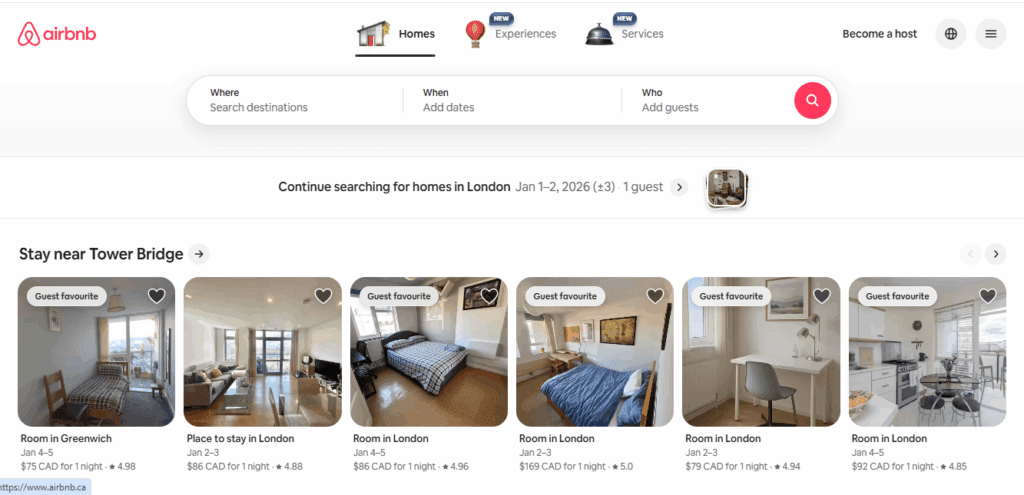
Airbnb structures its pages around search intent, making it easy for users to move from idea to booking without distraction.
2. Usability
Usability is about whether something works without needing an explanation. Many websites have a host of features but the issue is that users find them hard to use.
You have to check various things. Can someone complete a task without stopping to think?
Now, if users hesitate, you can assume that the website interface is asking too much. What can be done? Ensure that you use clear labels, predictable actions, and fewer steps.
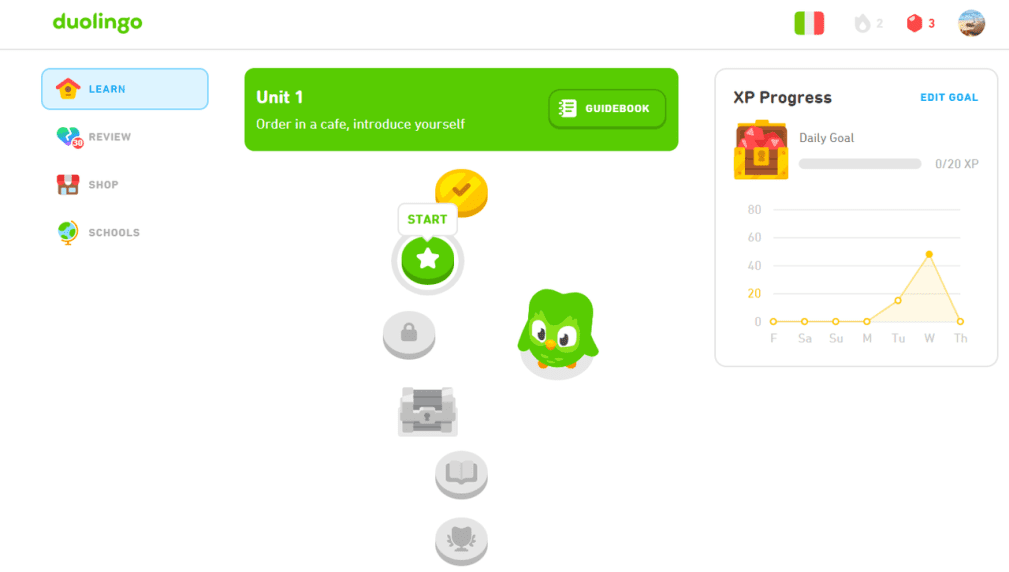
If you have used Duolingo, you know it offers strong usability. This is achieved by keeping lessons short, providing predictable navigation, and offering immediate feedback.
3. Accessibility
Accessibility ensures that a website or any other digital product is useful for people with different abilities, devices, and contexts. This would typically include screen readers, keyboard navigation, readable text sizes, and so on.
When accessibility is considered during the web design phase, it improves clarity for everyone, not just the differently abled.
Clear contrasts are welcome at times when your eyes are tired. Logical structure smoothly guides screen readers.
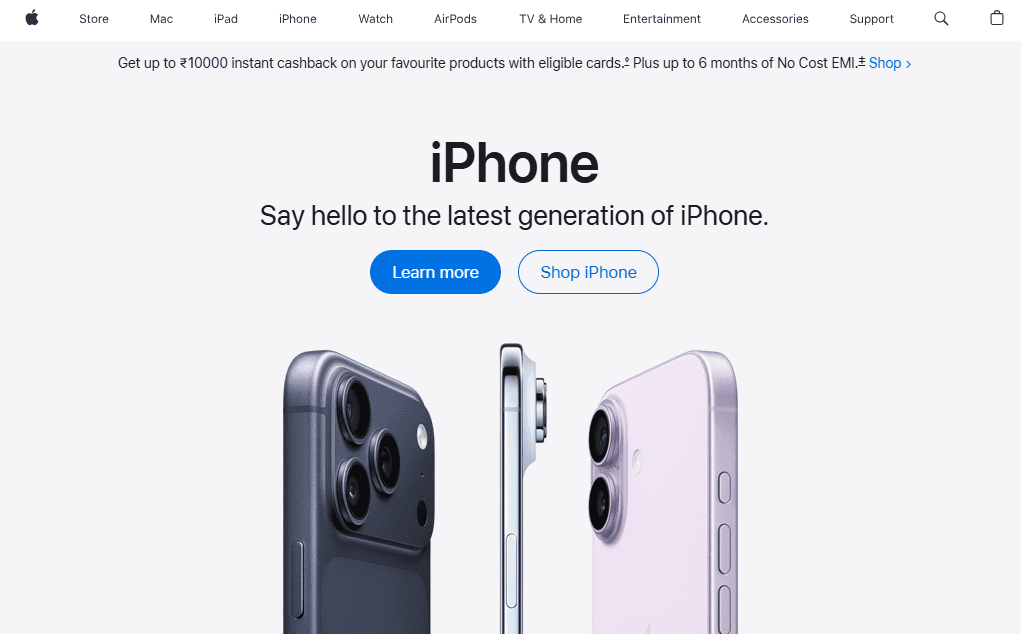
Apple’s website demonstrates this well through strong contrast, readable typography, and layouts that remain clear across screen readers and keyboard navigation.
4. Consistency
The whole point of consistency in your UX design is to reduce mental effort on the part of the user.
It’s quite jarring when similar elements on a website behave differently across pages. Your users are sure to become confused and distrustful.
So, how does consistency help?
Consistency can be in the form of buttons and forms that function the same way on all pages, maintaining the position of navigation menus on all screens, and applying identical fonts. Site visitors feel confident and in control.
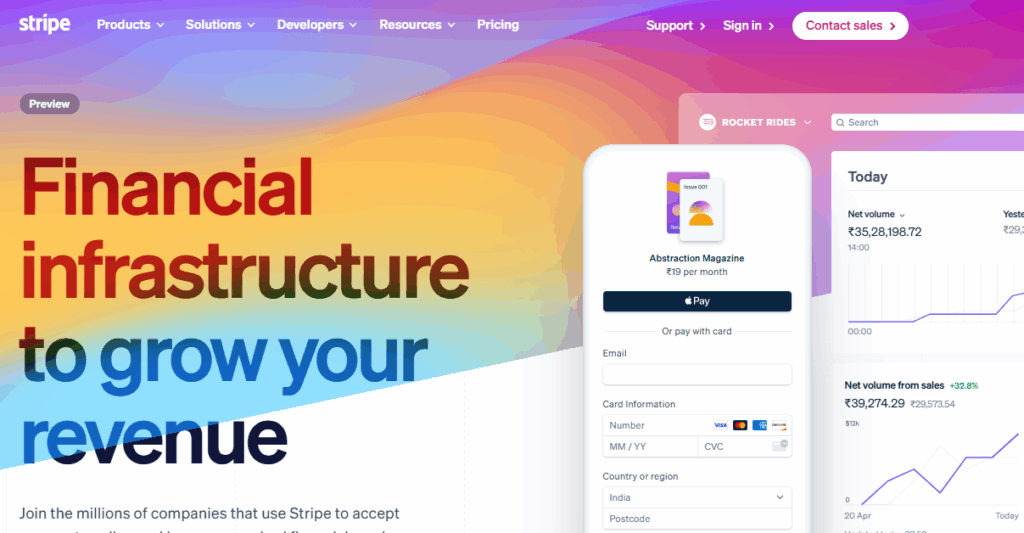
Stripe‘s software easily reassures users during financial transactions, because of the fact that it maintains consistent patterns across dashboards and documentation.
5. Visual Hierarchy
Visual hierarchy guides the users’ eyes on your website. It determines what users notice first, second, and last.
This principle uses size, spacing, colour, and alignment to show importance.
Accordingly, key actions stand out, while supporting content can be accessed as needed.
In fact, when you use a strong hierarchy, even if your web page contains a lot of information, users will be able to scan it naturally and effortlessly.
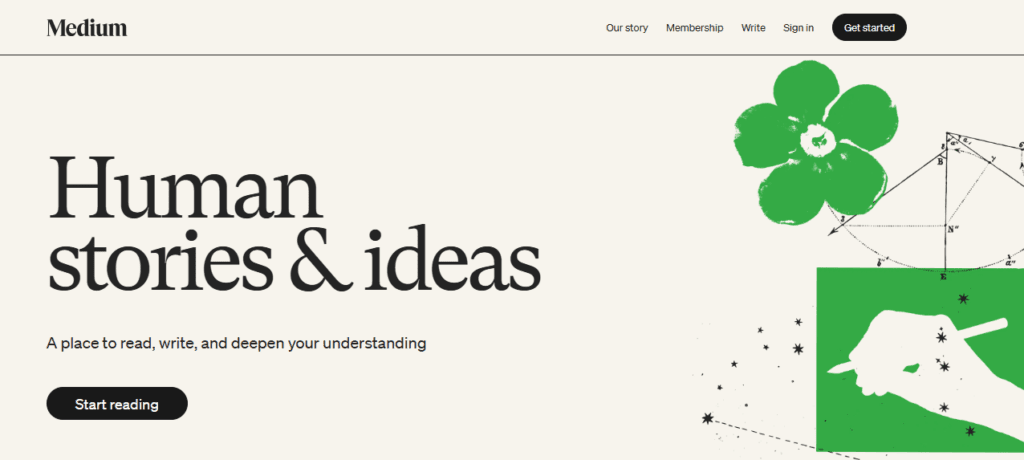
Medium’s platform prioritizes headlines and reading flow so users immediately know what deserves attention.
6. Feedback and System Response
Every action of visitors on your website needs a response. This could be things like clicks, form submissions, or loading animations. Your visitors expect confirmation that something happened.
Is the action processing? Did it succeed? Was there an error?
Site visitors need relevant feedback, or they may feel uncertain and may repeat actions unnecessarily.
You need to offer signals to reassure users that the system is working and that they are still on the right path.
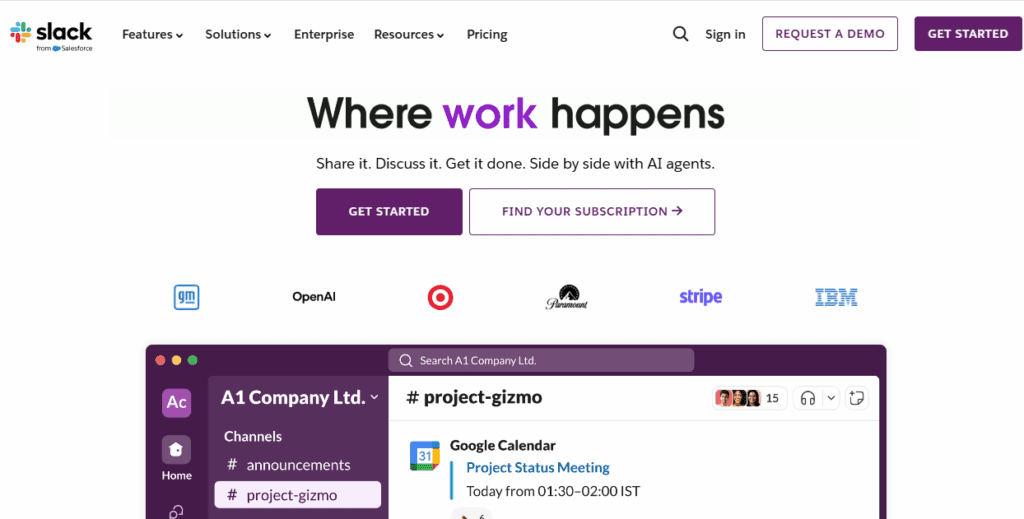
The collaboration platform Slack provides immediate visual and motion feedback after actions like sending messages or uploading files, reducing uncertainty at every step.
7. Simplicity
In web design, simplicity is achieved by removing friction.
Many websites and web apps become cluttered because teams keep adding features without subtracting unnecessary ones.
This principle asks a practical question. Does this element help the user move forward? If not, it can be removed.
This is helpful in terms of maintenance as well, since fewer elements mean fewer things that can malfunction or confuse visitors.
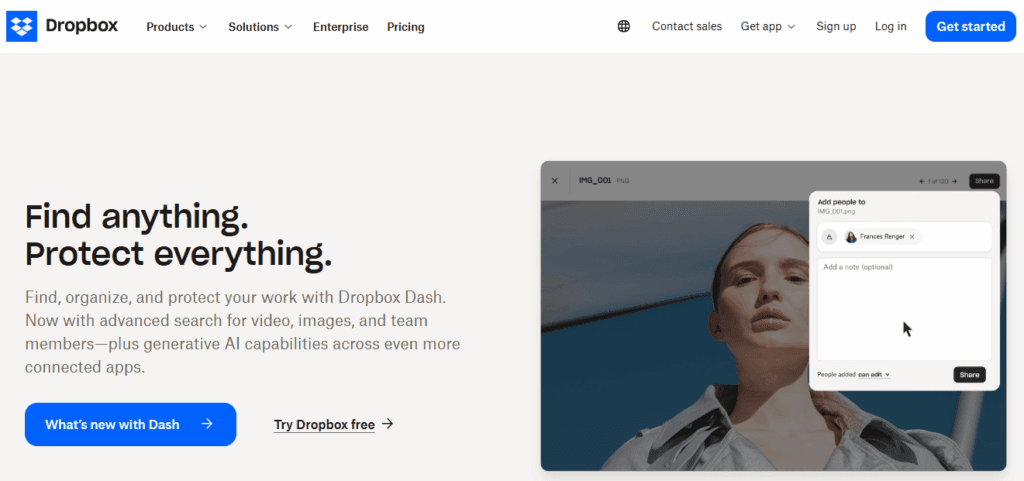
Dropbox shows restraint by keeping its interface focused on file actions, allowing users to upload, organize, and share without visual clutter.
8. Performance and Speed
A Google study shows that when a mobile page takes more than three seconds to load, 53 percent of visitors abandon the site.
From a visitor’s perspective, slow pages are unreliable, even if they function correctly. This happens because users associate speed with reliability.
So, when your website responds quickly, visitors stay focused on their goal instead of questioning whether the system is working.
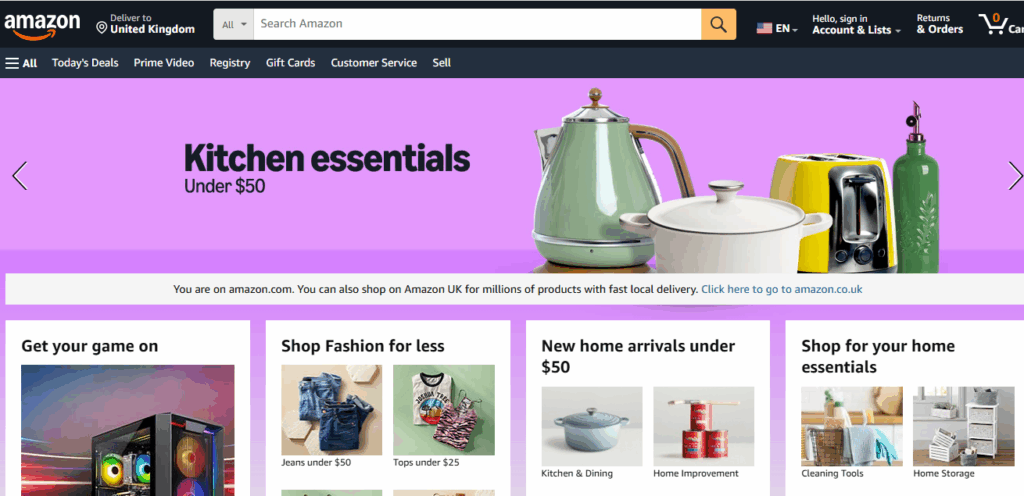
Amazon prioritises fast page responses and quick feedback, which keeps users moving through product discovery without second-guessing delays.
9. Error Prevention and Recovery
Good UX ensures that users complete tasks on a website as smoothly as possible. Even when errors occur.
This design principle looks at how interfaces prevent errors and help users recover when they occur.
What does that mean practically?
This requires an interface that anticipates various common errors like undo options, error messages, and so on. Users should understand what went wrong and how to fix it without too much effort.
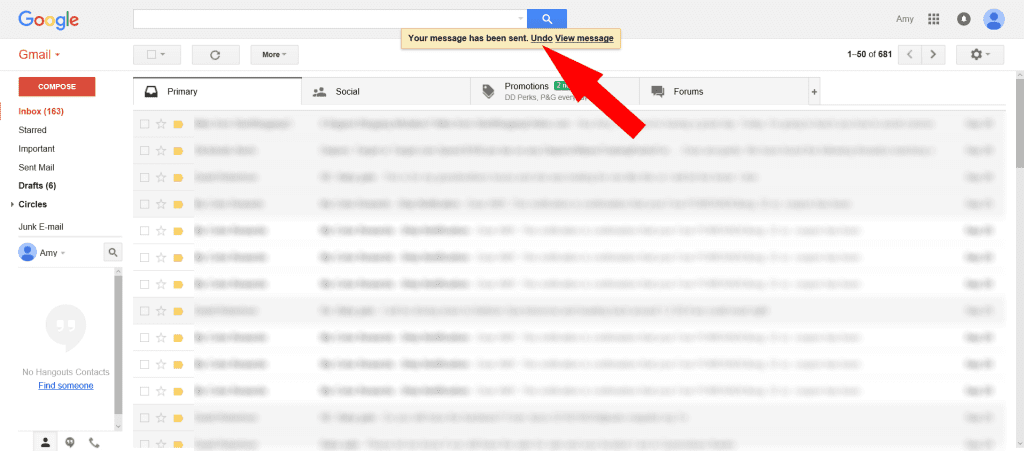
Gmail handles mistakes thoughtfully by offering undo options and clear error prompts, helping users fix issues without breaking their flow.
10. Trust and Credibility
It’s hard to trust anything online. Understandably, users judge a site’s legitimacy within milliseconds. They associate professional, aesthetically pleasing, and secure web design with trustworthiness.
This is why it is important to focus on professional aesthetics, clear messaging, and honest pricing during the web design process.
Another factor is, of course, security proof, including website elements like trust seals, SSL/HTTPS, and secure payment gateways.

PayPal‘s website highlights trust through prominent trust badges, transparent information, and GDPR and PCI DSS compliance.
11. Context Awareness
As a website owner, you need to understand where, when, and why users interact with your product. People browse your site on different devices, at different times, and with different levels of attention.
Your aim should be to adapt your site to cater to those situations. How does that work?
Mobile users need clarity and speed. Returning users need shortcuts. First-time users need guidance.
When context is taken into consideration, interactions on your website will be helpful rather than generic.
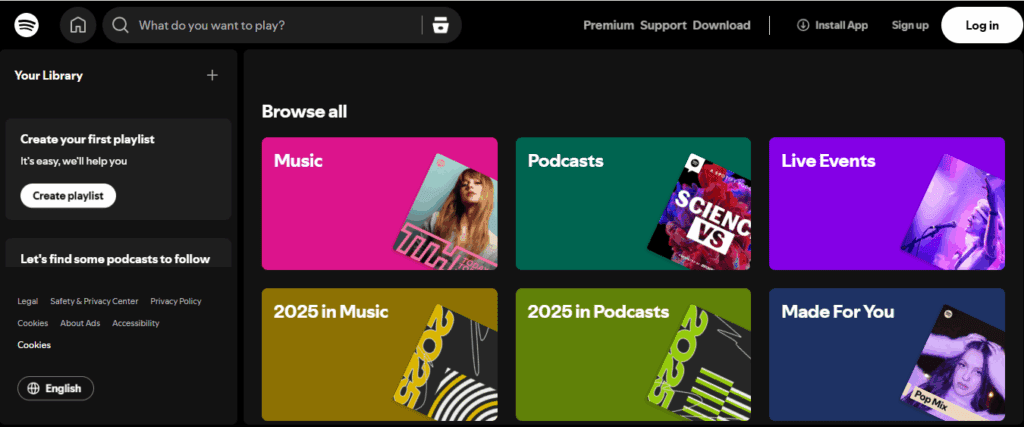
Spotify adapts its interface based on usage patterns, surfacing recently played content and recommendations that match the user’s moment and device.
Any good web design company will be able to follow key UX design principles while building your website. This will be done in accordance to your specific business needs. To know more, check out: 10 Key Benefits of Hiring a Professional Web Design Company.
Now that you are familiar with the main principles that guide UX design, it is also important that you learn what to avoid during web design.
What Are Some Common Mistakes To Avoid In UX Design?
Common UX mistakes include cluttered layouts, unclear navigation, inconsistent design patterns, slow loading pages, and ignoring real user behavior.
Of course, no one sets out to design a bad user experience. But, this does not change the fact that many websites struggle because of this. Let’s look at some of the mistakes made during web design.
Common Mistakes To Avoid In UX Design
| Common UX Mistake | Why It Causes Problems |
|---|---|
| Overloading pages with information | Users struggle to decide what matters and abandon tasks |
| Inconsistent navigation patterns | People lose confidence and slow down |
| Ignoring mobile usability | First impressions suffer for most users |
| Poor form design | Increases drop-offs during sign-ups or checkout |
| No user feedback signals | Users are unsure if actions worked |
| Designing without real user input | Assumptions replace actual behaviour |
If you want a detailed idea of what to avoid, check out 5 Deadly UX Mistakes That Hurt Your Website Conversions.
Wrapping Up
To put it simply, UX is primarily about how people feel while using your website or any digital product. Typically, when visitors come to your website, they will either be comfortable or confused.
As a website owner, you need to pay attention to user needs by leveraging UX design best practices.
The top web designers at Webskitters Technologies can help you in this regard. Our team will work closely with your business goals to create websites that are clear, practical, and extremely user friendly.
Get in touch with us.
Frequently Asked Questions
What is User Experience (UX) Design?
User Experience design is about how easy and comfortable it feels to use a website or app, including finding information, completing tasks, and avoiding confusion or frustration.
Why is good UX design important?
Good UX design matters because people leave websites that feel confusing or slow. Clear design helps users finish actions like signing up, buying, or contacting you without effort.
What are the 4 C’s of UX design?
The four C’s are clarity, consistency, control, and convenience. Together, they help users understand what they see, predict behavior, and move through a product comfortably.
What are the benefits of UX?
Good UX keeps users on your site longer. It helps them complete actions, reduces mistakes, and lowers the need for support because website elements function in the way people expect.
What is the 80 20 rule in UX design?
The 80 20 rule in UX design means users rely on about twenty percent of features eighty percent of the time, so design should prioritize those key actions first.
 UI/UX Design
  Web Development
  Mobile App Development
  Internet Of Things
  Game Development
  Artificial Intelligence
  Digital Marketing
  Data Science Consulting