 October 22, 2026
 AI agents are getting better at communicating with business applications, APIs, databases, and external tools. However, since they’re also gaining access to sensitive information, businesses commonly wonder, “How can we allow only trusted agents to access them?”
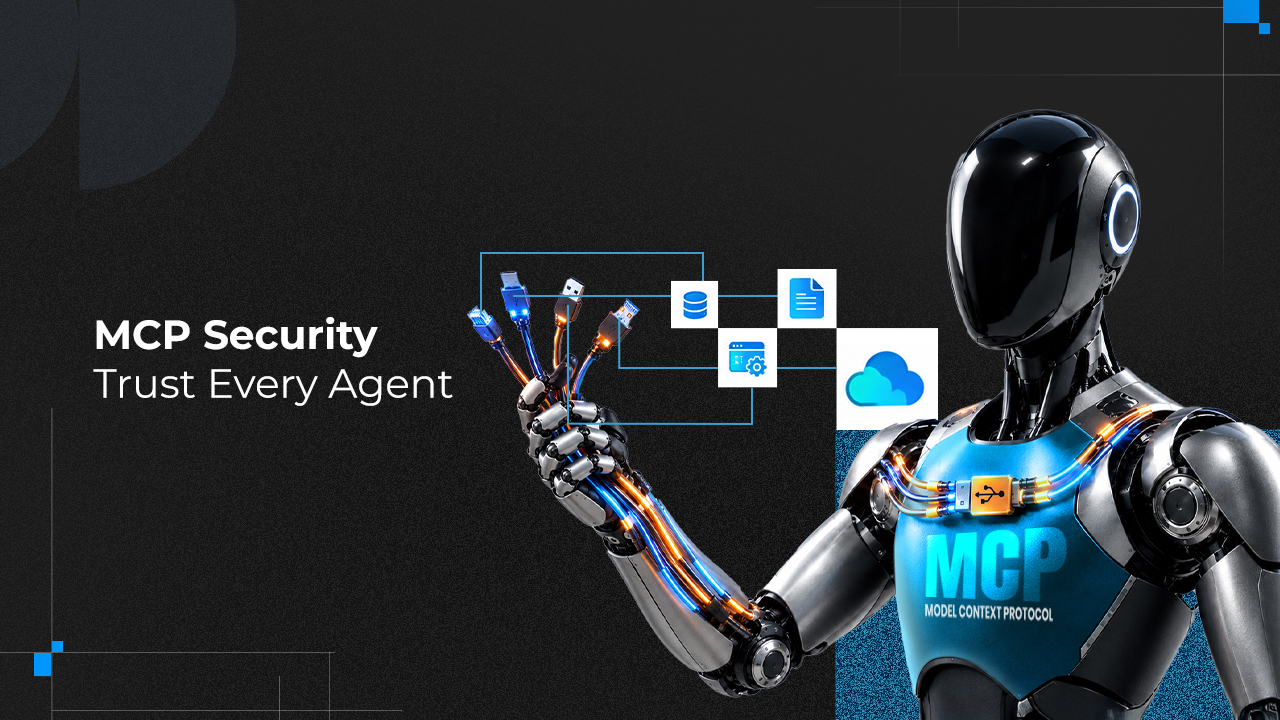
That’s where the Model Context Protocol (MCP) comes in. It enables AI applications to first pass through a standard communication method and then connect with external tools and data sources. But this way alone doesn’t guarantee secure access. Excessive permissions, weak authentication, stolen credentials, and unsafe requests can still impose security risks for business systems.
That’s why today’s AI development needs MCP security. It is designed to help businesses mitigate risks by verifying identities, controlling access, and identifying suspicious activities at an early stage.
The goal is simple: Verify every connection, set a clear purpose for every permission, and trace every sensitive action.
Why MCP Security Matters in AI Agent Connections
Suppose an AI agent gets connected to a customer management platform, an internal knowledge base, and a payment system. So, what if an attacker steals all the credentials, or what if the agent has too many permissions that make way for someone to access confidential information or perform actions without approval?
But… what if you could secure every AI agent connection from the start?
That’s why MCP security is important.
It allows AI applications to connect with servers with permissions after measuring common risk factors, including:
- Impersonation: An unauthorized application presenting to be a reputed client or a trusted service.
- Excessive Access: An AI agent receiving more permissions than it requires.
- Credential Theft: Attackers stealing API keys, passwords, or access tokens to enter highly protected systems.
If your business is adopting AI, securing these connections is essential, not optional. It’s a basic requirement that your team needs to meet to safeguard data and applications.
However, businesses should also consider application security working behind these connections and should therefore work with a web development company in Kolkata that can assist with securing application integrations, implementing access controls, and building reliable AI-enabled systems.
As AI agents become more connected to business applications, understanding their capabilities and security requirements is increasingly important. Explore this shift in the guide on the impact of Agentic AI in software development that includes how AI agents interact with existing software and why secure integrations matter.
How MCP Authentication Works
MCP authentication is a mechanism that tells who or what is trying to access a protected system, and authorization is the process of verifying what that identity can do and what it is restricted to. Both play a significant role in effective AI agent security.
If you are working on a HTTP-based MCP setup, the right process should look like:
1. Finding the Authorization Server
The MCP user first needs to identify the particular service for handling authentication.
2. Verifying the Identity
Then the server reviews the user’s identity and provides consent if or when required.
3. Issuing an Access Token
Once the identity is authorized to enter, the server provides it with a token with the approved access.
4. Inspecting the Token
The MCP server checks if the token is valid and intended for that particular server.
5. Allowing Permitted Actions
The server reviews the requested operation against the permissions granted to the user.
However, every MCP connection is designed differently. For example, a local connection using a standard input/output has different types of security considerations from remote HTTP connections.
Your simple goal is to match authentication and access controls with the type of connection you are using.
Essential MCP Security Practices for 2027
Authentication is just the beginning. Businesses need to consider a more crucial factor: reviewing if trusted users and AI agents aren’t misusing their access.
Here are some important practices that can help protect MCP connections:
1. Using OAuth-Based Authentication Correctly
Don’t create custom authentication methods that bypass established security controls. Consider using the process defined by your applicable MCP specification. Use secure authorization-code flows, verify redirect addresses, and implement Proof Key for Code Exchange (PKCE) where important. This is how you can prevent attackers from capturing authorization codes or exploiting unsafe redirects.
2. Check Whether Access Tokens Are Valid
An access token targeted to enter one system cannot automatically be used as a grant to enter another system.
Every MCP server should check if a token is valid, who issued it, whether it has expired, and whether it was intended for the service an identity aims to receive. These checks are especially important when an MCP server connects to other APIs. So, instead of automatically passing on an access token from one application to another, that server should consider using credentials intended for those services.
3. Giving AI Agents Only the Permissions They Need
If an AI agent is summarizing customer feedback, they don’t need permissions separately to keep or delete that data.
Businesses should prioritize giving AI agents access only to the tools and information that are helpful for their assigned tasks. However, if you want to separate “data change” and “read-only” access, you should set up permissions accordingly, not comprehensively. Further, sensitive actions should pass through an additional approval stage to make entry more secure.
4. Keeping Tokens and Credentials Safe
If API keys and access tokens are exposed in configuration files, source code, conversion records, or logs, they can let attackers in. Therefore, what a business needs to do is improve their MCP security, and here’s how this should happen:
- Rotating credentials regularly and revoking compromised tokens quickly.
- Avoiding placing access tokens in URL query parameters.
- Storing credentials in a secure secrets manager.
- Removing tokens, passwords, and other sensitive information from logs.
- Restricting access to authentication settings and stored credentials.
Following these measures can help you prevent stolen or accidentally exposed credentials.
How to Monitor and Audit AI Agent Connections
When it comes to monitoring and auditing AI agent connections, businesses should focus on putting important security events on record, like permission changes, failed login attempts, rejected requests, tool usage, and attempts to access restricted information.
Remember: Authentication provides access to AI agents when it detects an established connection, and monitoring helps organizations keep an eye on every activity performed after access has been granted.
Your monitoring strategy should look like:
1. Detecting Unusual Activity, like repeated authentication failures, unexpected tool usage, and unusual access patterns.
2. Reviewing permissions based on outdated credentials, unnecessary accounts, and obsolete permissions.
3. Preparing for incidents by investigating suspicious activities, isolating affected systems, and restoring secure operations.
4. Revoking compromised access by disabling affected identities and invalidating compromised tokens.
5. Testing security regularly through authentication, access restriction, failure scenario, and tool input checks.
This isn’t a one-time task. In fact, AI agent security checks should be an ongoing process handled with end-to-end responsibility.
How Development Teams Should Approach MCP Security
Development teams shouldn’t integrate MCP security right away. Instead, they should invest time in identifying common security gaps. Here’s a checklist to consider:
- Identifying all MCP users, tools, servers, and connected data sources.
- Choosing authentication methods that match the type of connection being used.
- Validating tokens and implementing the right authorization requirements.
- Giving AI agents only the permissions they need.
- Protecting credentials and establishing token expiry and revocation procedures.
- Verifying tool inputs and defending against prompt injections and unauthorized actions.
- Enabling security, logging, monitoring, and incident response procedures.
- Checking the implementation against current MCP specifications and relevant organizational security standards.
Note: If you are seeking the best starting point, this checklist can help. But it doesn’t guarantee a formal security assessment.
Closing Thoughts: The Future of MCP Security in 2027
With AI agents becoming more closely connected to business applications over time comes the challenge of setting stricter restrictions. This means businesses should move beyond verifying a user’s identity and focus more on understanding which application is being connected, which information is it looking to access, what actions it can perform, and whether its permissions are appropriate.
So, implement MCP security accordingly and start controlling what AI agents can access when they connect to your business systems from 2027 onward. But following best practices and effective checklists alone will not be enough.
Building secure, scalable digital solutions requires specialized assistance, and that’s where Webskitters Technology Solutions Pvt Ltd comes in. So, together, let’s strengthen your web development and create trusted, security-focused digital experiences.
Frequently Asked Questions
1. What are the biggest security risks associated with MCP?
The biggest MCP security risks include unauthorized access, stolen credentials, excessive permissions, prompt injection, malicious tools, and unsafe data sharing between AI agents and connected systems.
2. How can MCP servers prevent unauthorized access?
MCP servers can prevent unauthorized access by implementing appropriate authentication, validating access tokens, enforcing permission checks, and restricting access to approved tools and resources.
3. What is the difference between MCP authentication and authorization?
MCP authentication verifies the identity of a user, client, or service. Authorization determines which resources that identity can access and what actions it can perform.
4. Can AI agents be targeted through MCP connections?
Yes. Attackers may exploit weak authentication, compromised credentials, malicious tool responses, or prompt injection to influence an AI agent or gain access to connected systems. Proper security controls help reduce these risks.
5. How should businesses manage MCP access tokens?
Businesses should store access tokens securely, limit their lifetime where appropriate, validate them before use, and revoke compromised tokens promptly. Tokens should never be exposed in source code, URLs, or unsecured logs.
6. Why is least-privilege access important for MCP security?
Least-privilege access ensures that AI agents and MCP servers receive only the permissions needed for their assigned tasks. This limits the potential damage caused by compromised credentials, malicious instructions, or unauthorized actions.
7. How can developers test the security of an MCP implementation?
Developers should test authentication flows, token validation, access permissions, tool inputs, and error handling. They should also assess prompt-injection risks, review security logs, and check their implementation against the applicable MCP specification.
8. What should businesses consider when choosing an MCP security strategy for 2027?
Businesses should consider their deployment environment, authentication requirements, data sensitivity, access-control policies, connected tools, monitoring capabilities, and incident-response procedures. They should also review current MCP security guidance regularly to address emerging threats.

 UI/UX Design
  Web Development
  Mobile App Development
  Internet Of Things
  Game Development
  Artificial Intelligence
  Digital Marketing
  Data Science Consulting